What to Look for in a Wireless Lapel Microphone: Range, Audio Quality, and More
Wearing a microphone shouldn't feel like you're wired into a machine. Yet, many creators, speakers, and educators struggle with tangled cords, limited movement, and inconsistent audio. It slows you down. Worse, it takes focus off your content. If your mic doesn’t keep up, your message might never land.
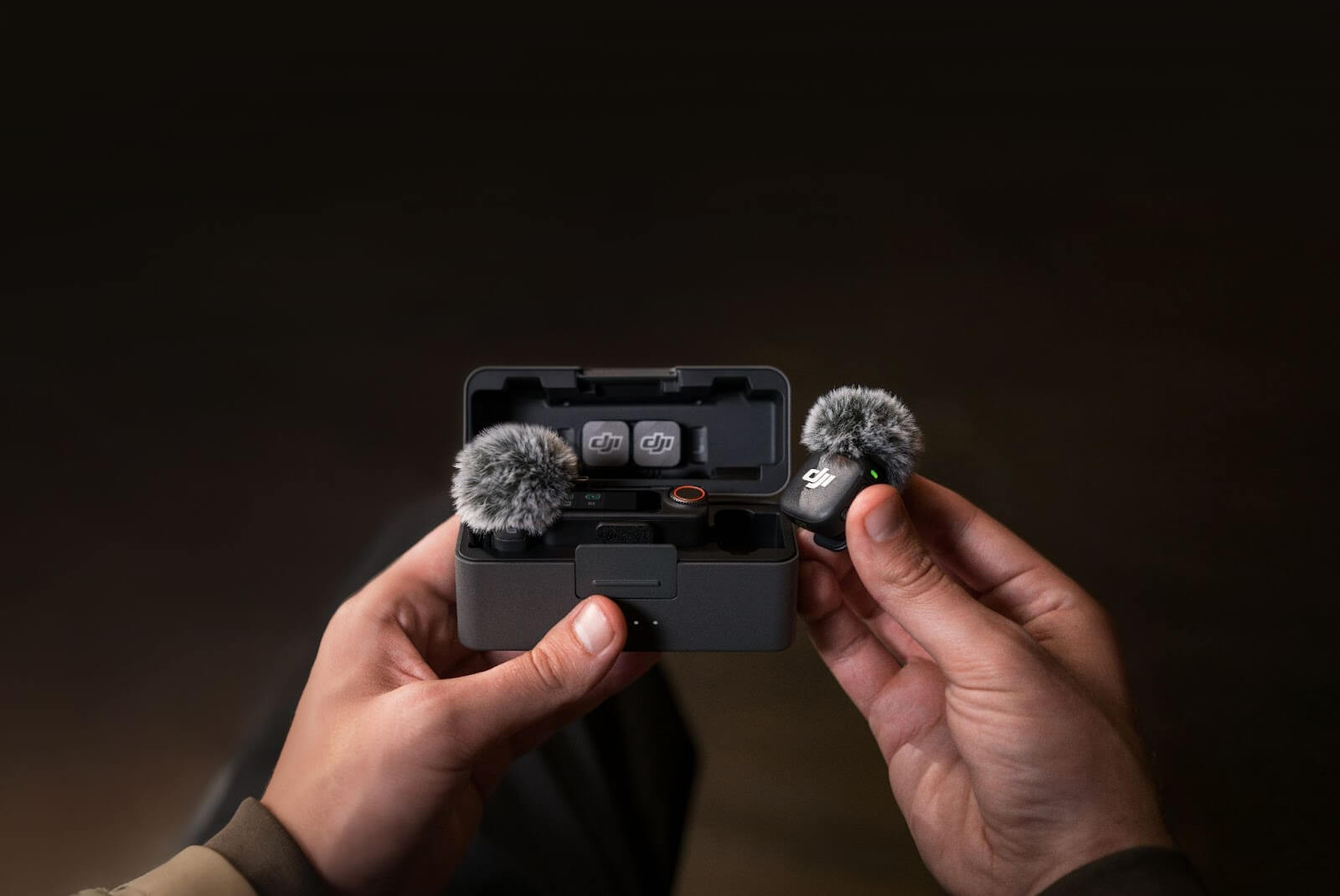
In this blog, we break down exactly what to look for in a wireless lapel microphone, helping you choose clarity, freedom, and reliability over clunky setups.
Why Choose a Wireless Lapel Microphone?
A wireless lapel microphone gives you room to breathe. Whether you're recording in a studio or running a live demo in a conference hall, this kind of mic lets you move naturally. No cables under your jacket. No awkward fumbles when you step back. It blends into your clothing and captures your voice cleanly without drawing attention to itself.
Besides convenience, the shift to wireless also means fewer technical distractions. No worrying about cable length. No signal loss from damaged wires. Just sync the mic and get going. The freedom to focus on delivery instead of tech setup is a reason many professionals are making the switch to wireless lavalier microphones.
Key Factors to Consider Before Buying
There’s no one-size-fits-all solution when it comes to audio gear. That’s why knowing what matters most before picking a microphone lavalier setup can save time, money, and frustration. Audio clarity might be king, but it’s not alone on the throne.
Transmission Range
Distance matters. Not every shoot happens in a cozy studio. Some need you to be fifty, a hundred, or even two hundred feet away from your receiver. A good wireless mic should support at least 100 feet of clean transmission without signal drops.
Outdoor users may want more, especially if physical obstructions or interference are common in their recording space. Reliable brands test their products for these conditions. Look for specs that are field-tested, not just lab promises.
Audio Quality
Not all mics deliver on their promises, even at higher price points. The point of a wireless lavalier microphone is a clear, crisp voice. Prioritize models with noise reduction, wide frequency response, and low self-noise.
Avoid mics that sound tinny or overly compressed. If it sounds like you’re inside a metal bucket, skip it. Audio specs, mic models with clarity across vocal ranges (especially midrange) are usually your safest bet.
Battery Life and Charging Options
Nothing kills momentum like a dying mic mid-session. Whether you're filming an interview or teaching back-to-back classes, a mic with long battery life is essential. But battery claims can be misleading.
Always check if the stated life includes both TX and RX units. Some specifications may only reflect one unit (TX or RX), so it’s important to check both. Also, consider how the system charges. Is it USB-C or some proprietary cable you’ll lose next week?
Here’s a quick look:
|
|
|
|
|
|
|
|
|
|
|
|
|
|
|
|
|
|
Build and Portability
You don’t want a brick on your collar. A wireless lapel microphone should be light enough to forget you’re wearing it. But light doesn’t mean flimsy. Metal clips, durable cables (if using wired lavs), and water-resistant designs add serious longevity.
Think: sweat, light rain, dusty trails. If it can survive those, it can survive a conference room. Also, check how it mounts. Magnetic options are discreet, while clips offer traditional stability.
Compatibility
Even the most advanced mic is ineffective if it doesn’t fit into your setup. Whether you’re using a DSLR, smartphone, tablet, or laptop, your wireless mic should connect easily. Check for TRS/TRRS adapters, USB-C or Lightning ports.
Some units come bundled with all. Some make you buy them separately. For multi-device users, choose mics that switch outputs easily without needing ten menu clicks, better if it’s plug-and-play.
Onboard Features
More isn’t always better, but smart features simplify workflow. Dual-channel support allows interviews with two speakers. Local backup recording ensures you don’t lose takes due to signal loss. Noise reduction helps in busy environments.
Some newer mics also offer safety tracks, recording a second feed at lower gain to avoid clipping. These aren’t just bells and whistles. They’re time savers and insurance policies
Common Use Cases and Ideal Features for Each
A classroom isn’t a film set. A wedding video isn’t a product review. The way you plan to use your mic should shape your buying decision. Let’s match mic traits to common needs.
For Content Creators
YouTubers and vloggers need gear that sets up fast and delivers reliable sound. Compact transmitters, quick pairing, and consistent audio quality are key. A wireless lavalier microphone that pairs with phones and mirrorless cameras works best. Backup recording adds safety when shooting solo.
For Corporate Presenters
Presenting at seminars or Zooming from your office? You’ll want clarity, long battery life, and compatibility with laptops. Look for mics with built-in mute buttons and clip-on transmitters that won’t distract the camera. Bonus if the mic integrates with conferencing tools easily.
For Educators and Trainers
Lecturers and fitness instructors need stamina. A mic with long battery life, sweat resistance, and hands-free functionality helps them focus on performance. Auto-leveling audio is also a plus, since volume tends to vary across sessions.
For Journalists and Interviewers
Unpredictable environments call for backup recording and noise cancellation. Reporters should prioritize fast setups, dual-channel input, and strong connectivity, even in crowded areas. Slim designs help avoid distracting subjects on camera
Tips on How to Choose the Right Wireless Lapel Microphone
The market is wide. But your needs are specific. Before you swipe the card, consider this shortlist. It might save you a return trip.
-
Match the mic to your recording environment
-
Test for audio clarity, not just volume
-
Ensure the range suits your average setup distance
-
Confirm battery specs from actual user reviews
-
Check for a charging case or swappable batteries
-
Verify cross-device compatibility in your workflow
-
Look for future-proof features like firmware updates
Final Thoughts
Investing in the right wireless lapel microphone changes how you sound, how you move, and how confident you feel on camera. Clean audio is no longer a luxury. It’s the baseline for being taken seriously in digital spaces. With the right mic, like those from DJI, you focus less on gear and more on your message.
What would you create if tech no longer held you back? At DJI, we design wireless microphone that let creators, educators, and presenters move freely and sound sharp. Explore DJI’s wireless microphone solutions today, engineered for freedom, clarity, and confidence in every recording.
FAQs
What is the ideal range for a wireless lapel microphone?
A good system should reach 100 to 250 feet without interference in open environments.
Can I use a wireless lavalier microphone with a smartphone?
Yes, many models support USB-C or Lightning ports with plug-and-play adapters.
How long should the battery last on a wireless mic system?
Aim for at least 5 to 6 hours per transmitter and receiver for reliable daily use.
Do I need a backup recording feature?
It helps in unstable environments where interference may cut the signal during recording.
Are wireless lav mics discreet enough for video shoots?
Yes, especially with magnetic clips or hidden mounts paired with small form factor transmitters.