What is a gimbal? An easy-to-understand explanation of its mechanism, types, and how to use it for beginners
A common problem when shooting video is camera shake. Whether it's a travel or everyday vlog, if the footage is shaky it becomes hard to watch and diminishes its appeal to viewers. That's where the "Gimbal" comes in. While it may be an unfamiliar term, it's a piece of equipment used to stabilize cameras and smartphones, and is frequently used in filming movies and YouTube videos. In this article, we will explain everything about camera gimbals for beginners, from how it works to the types available, how to choose, and the features of DJI products.
What is a gimbal?
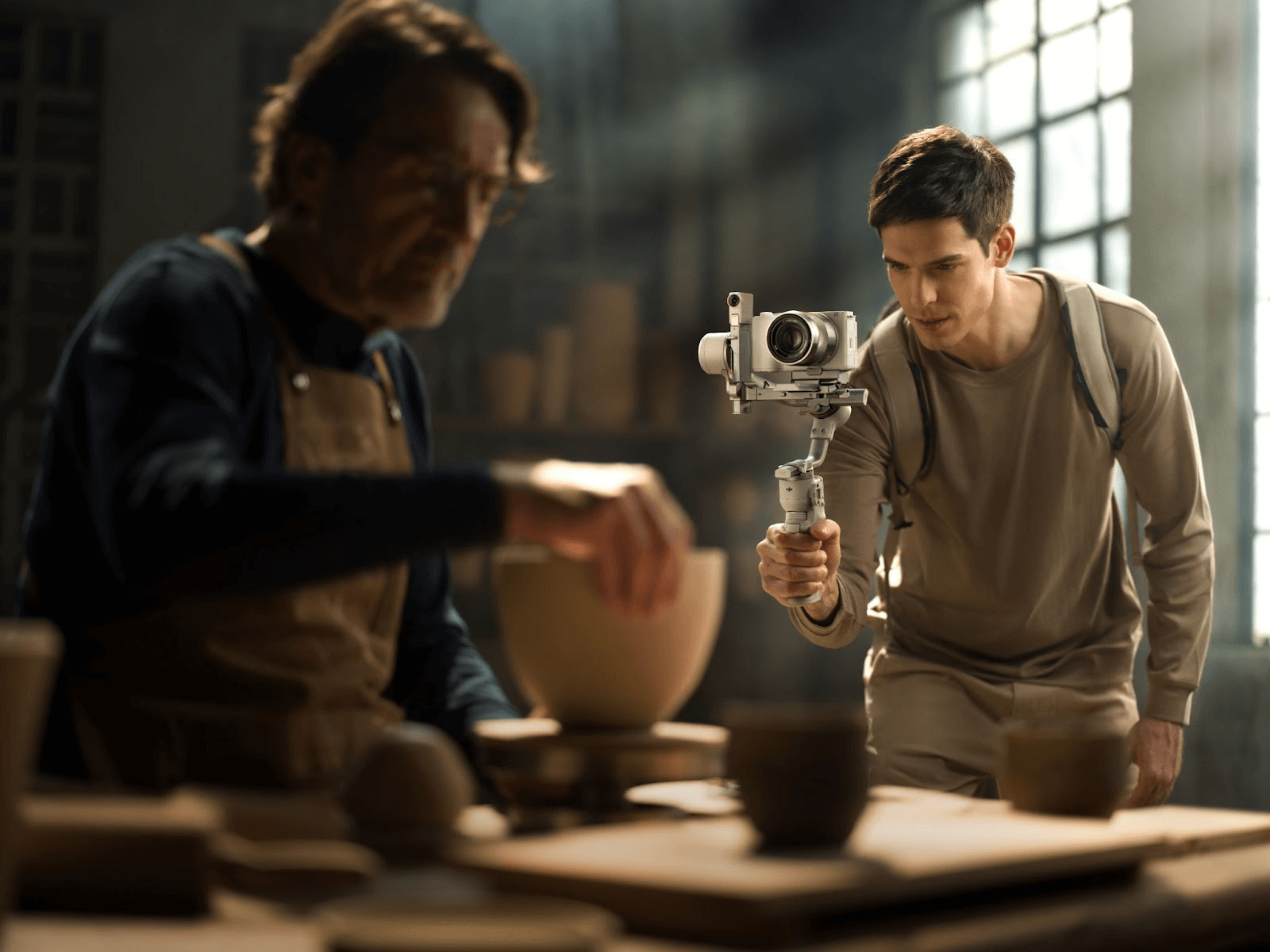
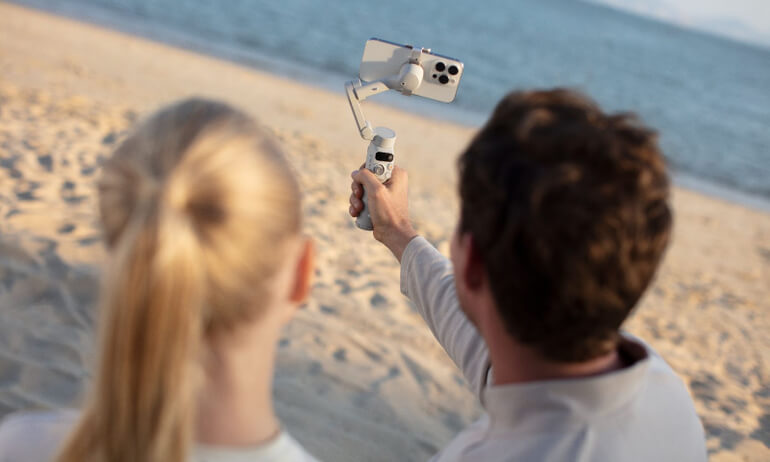
A gimbal is a device that holds a camera or smartphone in place, designed for maintaining a constant level while reducing shaking. Its built-in sensors and motors detect and instantly correct movements, even when the photographer walks or moves their hands, producing smooth footage that makes it seem as if the camera is floating in the air.
Especially when shooting video, even the slightest shake or vibration can have a big impact on the footage. The biggest appeal of using a gimbal is that it allows you to achieve cinematic stability even when shooting handheld.
Basic structure of a gimbal
Although a gimbal may look simple, it contains a sophisticated control mechanism. There are three main elements:
-
Rotation axis (2nd axis/3rd axis)
This is the part that corrects the tilt and rotation of the camera. Two-axis only corrects "up/down and left/right," while three-axis can also correct "rotation (roll)." Three-axis types are the mainstream in video production. -
motor
The power to instantly counteract detected vibrations. Precise motor control enables smooth correction. -
Gyro sensor
It detects minute shaking and tilt with high precision, capturing even small vibrations that are imperceptible to the human hand and sending correction commands to the motor.
Principles of Image Stabilization
For example, if you shoot while walking with the camera in your hands, the footage will naturally have up and down movement and side to side shaking.
-
The gyro sensor detects shaking
-
The built-in motor rotates in the opposite direction to compensate
-
The camera always stays level and the image is stable.
This cycle is repeated instantaneously, producing footage that appears as if the camera is being moved smoothly on a dolly (cart).
The difference between a gimbal and a stabilizer
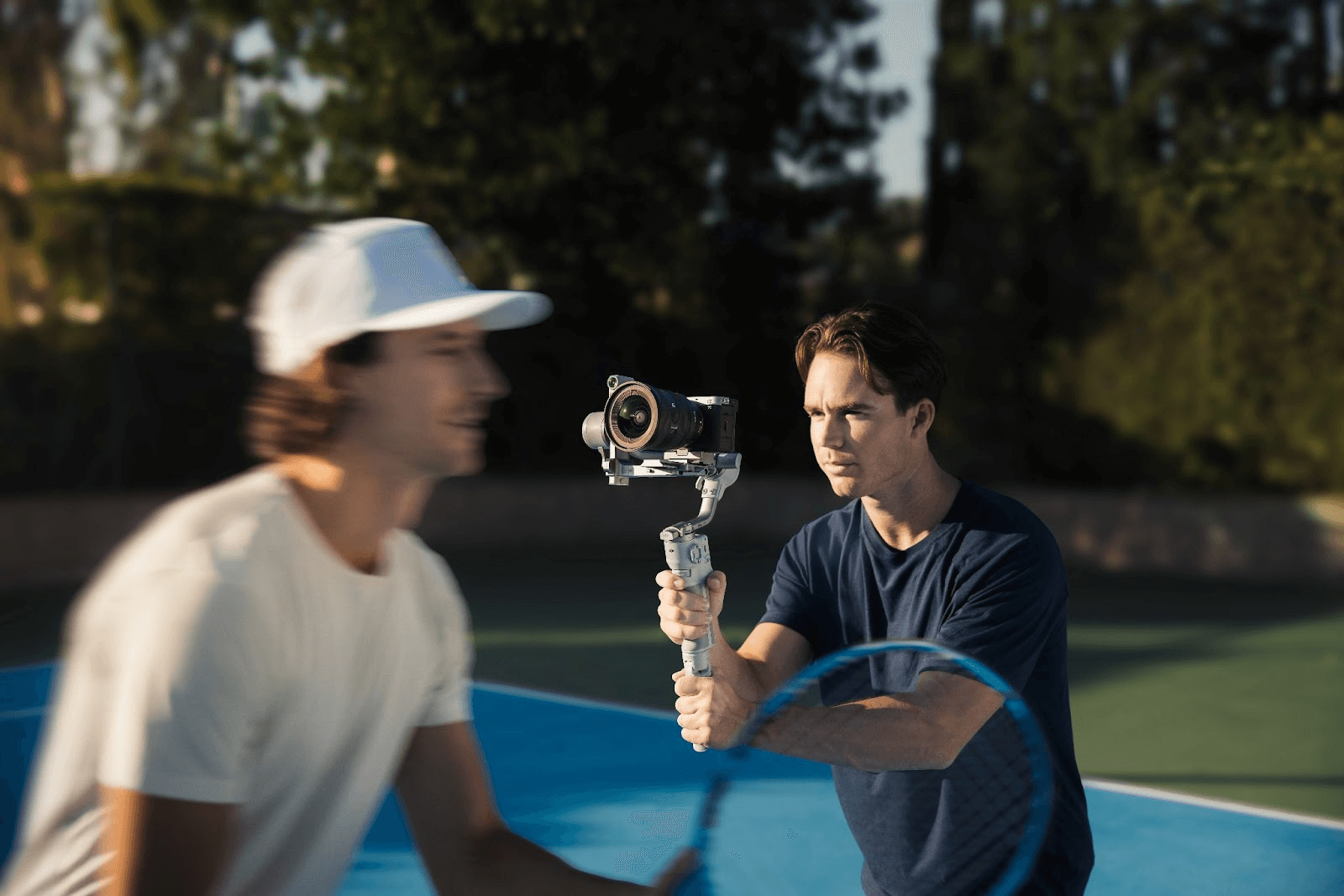
When it comes to video shooting, "gimbals" and "stabilizers" are often confused, but their mechanisms and features are very different.
-
stabilizer
It is a "passive" mechanism that uses weights and springs to balance the center of gravity of the camera and absorbs shaking. It does not require a power source and is inexpensive. However, it can be difficult to use if you are not used to it, and it is difficult to perfect horizontal alignment. -
Gimbal
Sensors and motor control actively cancel out shaking, providing high stability even when handheld while running or walking, making it easy to use even for beginners.
In professional settings, while stabilizers are sometimes used for specific shots in movies, for vlogs and everyday videos, a gimbal is more practical.
Benefits of using a gimbal
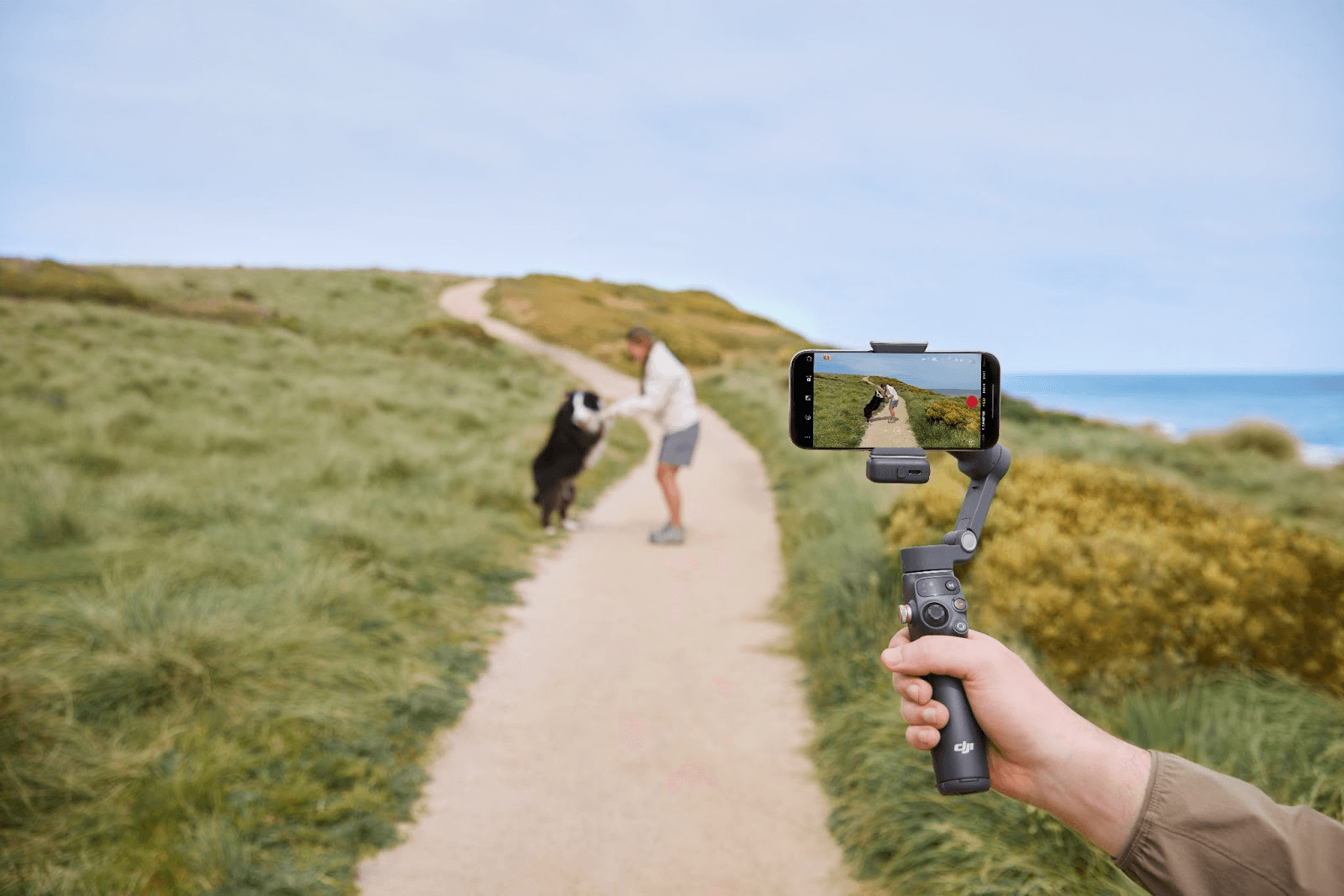
The benefits of using a gimbal go beyond simple image stabilization. It greatly expands the freedom of shooting and the range of visual expression, raising the quality of your content to the next level.
1. Image stabilization effect
The biggest advantage of a gimbal is overwhelming stability.
With handheld shooting, even the slightest tremor from your walking or hand shaking is captured on video, but with a gimbal, the camera moves smoothly, as if it were "moving on rails."
-
Travel Vlog: Even when shooting a walk around town or a sightseeing spot, the footage is clear and blur-free.
-
Daily Videos: Even in casual scenes at home or in a cafe, stability makes the image much easier to see.
-
YouTube・SNS: Stable video makes it easy for viewers to watch until the end
For viewers, less shake equals more professional-looking footage, so stabilization is the greatest value of using a gimbal.
2. Greater freedom in shooting
Using a gimbal not only reduces camera shake, but it also increases the freedom of the shooting movement itself.
-
Running scene: Reduces blur when running or playing with pets
-
Moving up stairs or slopes: Smooth reproduction of scenes that would normally be subject to significant shaking
-
Fly-through video: Drone-like footage can be captured with a handheld camera moving smoothly around the room.
In other words, gimbals go one step further than just being a "camera shake prevention tool"; they are equipment that creates new expressions.
3. Professional-quality visual expression
Gimbals have become standard equipment on the set of movies, commercials, and music videos because they can achieve a smoothness that appears natural to the human eye. Even if you're making a vlog or YouTube video, simply using a gimbal can instantly make the video look more professional.
-
Videos taken with a handheld smartphone: They tend to look amateurish
-
Videos taken with a gimbal: The subject stands out, creating a sense of storytelling
Viewers unconsciously judge that "easy to watch video = high quality," so using a gimbal is what sets your work apart.
Gimbal Type
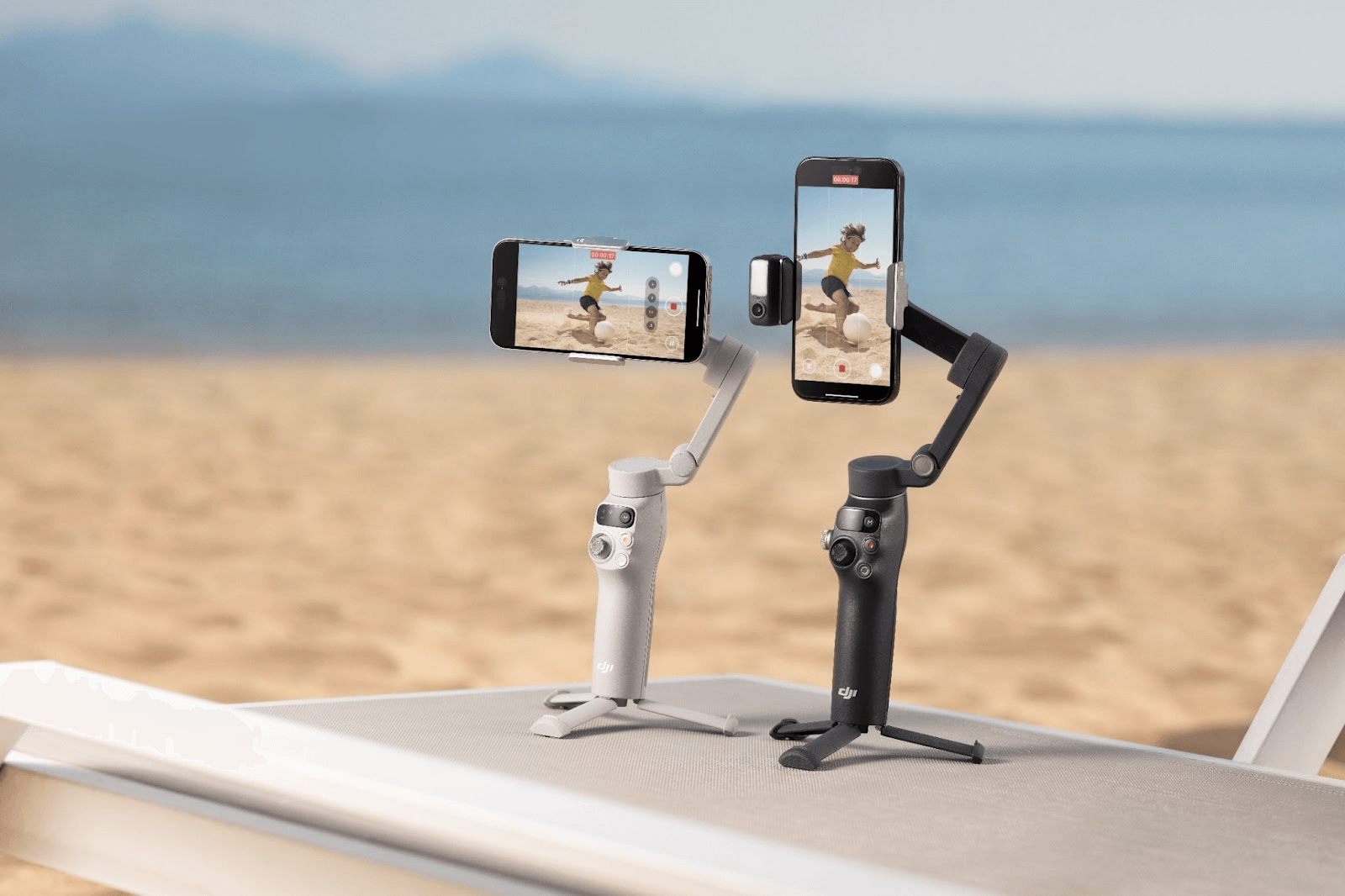
Gimbals are broadly divided into three types depending on their intended use: for smartphones, for cameras, and for drones. Each type has different designs and functions, so it's important to choose one that suits your purpose.
Smartphone Gimbal
This gimbal is designed specifically for smartphones. It is lightweight, compact, and easy to carry, making it ideal for everyday vlogs and videos for social media.
merit
-
Lightweight, weighing just a few hundred grams, it is easy to operate with one hand.
-
Many models are foldable, so you can carry them in your bag.
-
With automatic tracking functions such as ActiveTrack, you can shoot professional-quality footage even with just one person.
Usage Examples
-
Walking Travel Vlog
-
Shooting in cafes and walking around town
-
Short videos for SNS distribution
Camera Gimbal
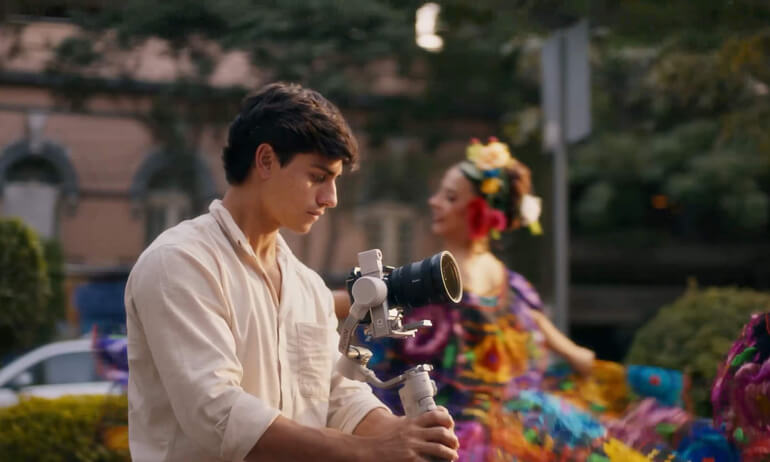
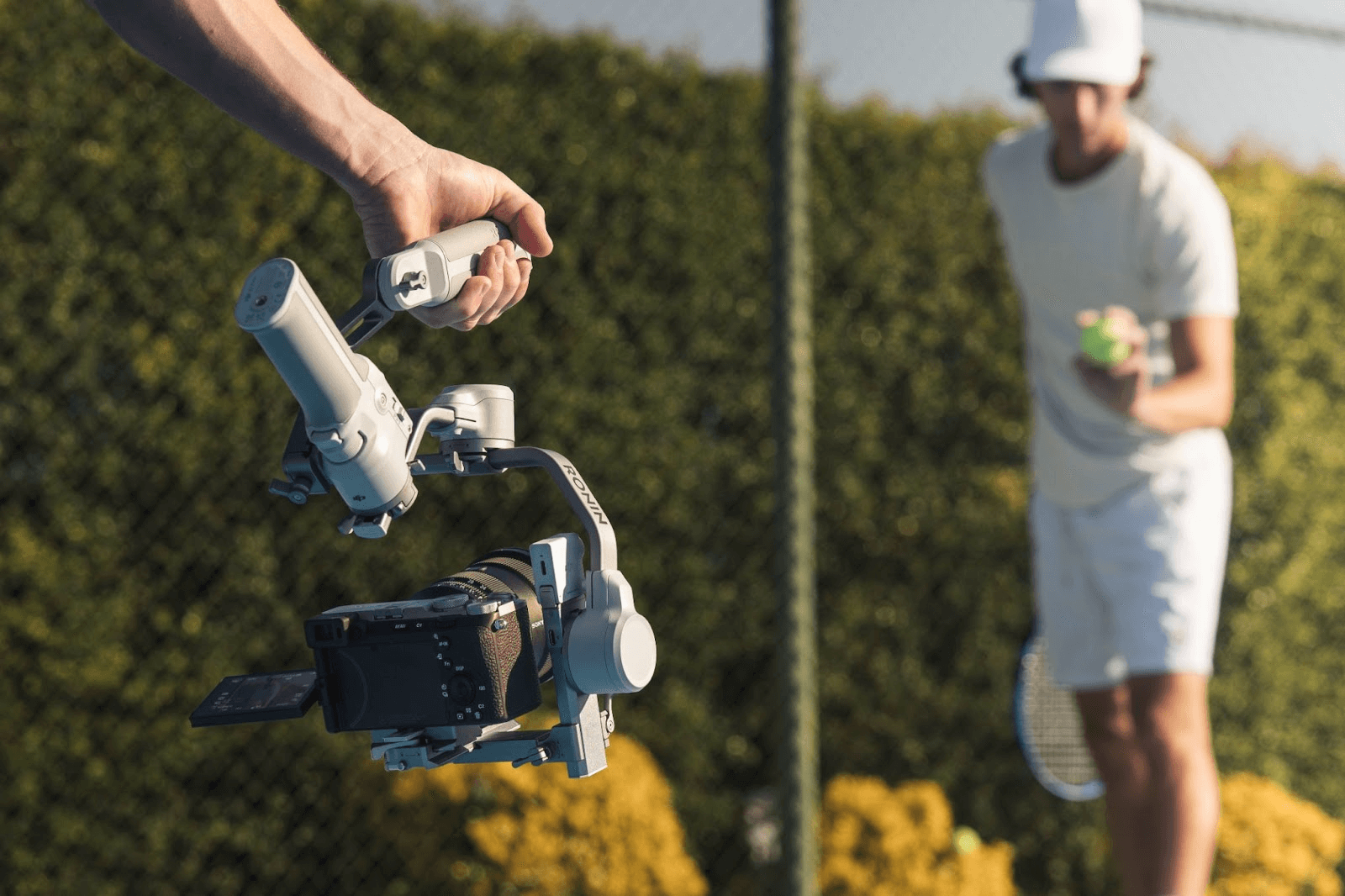
This gimbal stabilizes heavy cameras such as SLRs and mirrorless cameras. It has a high load capacity and is suitable for precision video production.
Merits
-
High load capacity, able to accommodate a full-frame SLR camera and a standard zoom lens
-
Advanced stabilization algorithm reduces blur even when shooting while walking
-
Quick release function for easy camera attachment and detachment
Usage Examples
-
Professional-grade shooting of vlogs and interview videos
-
Commercial and short film production
-
High-quality shooting of night scenes and scenes with a lot of movement
Drone Gimbal
This gimbal is mounted on a drone and absorbs wind and vibrations in the air, keeping the camera level at all times to enable smooth aerial footage.
merit
-
3-axis mechanical gimbal automatically compensates for shaking during flight
-
High-quality 4K and 5.4K video can be captured stably.
-
Supports automatic shooting modes such as ActiveTrack and MasterShot
Usage Examples
-
Aerial photography vlogs from travel destinations
-
Cinematic shots of landscapes and buildings
-
Promotional videos and drone aerial footage
Types of gimbals and how to choose one
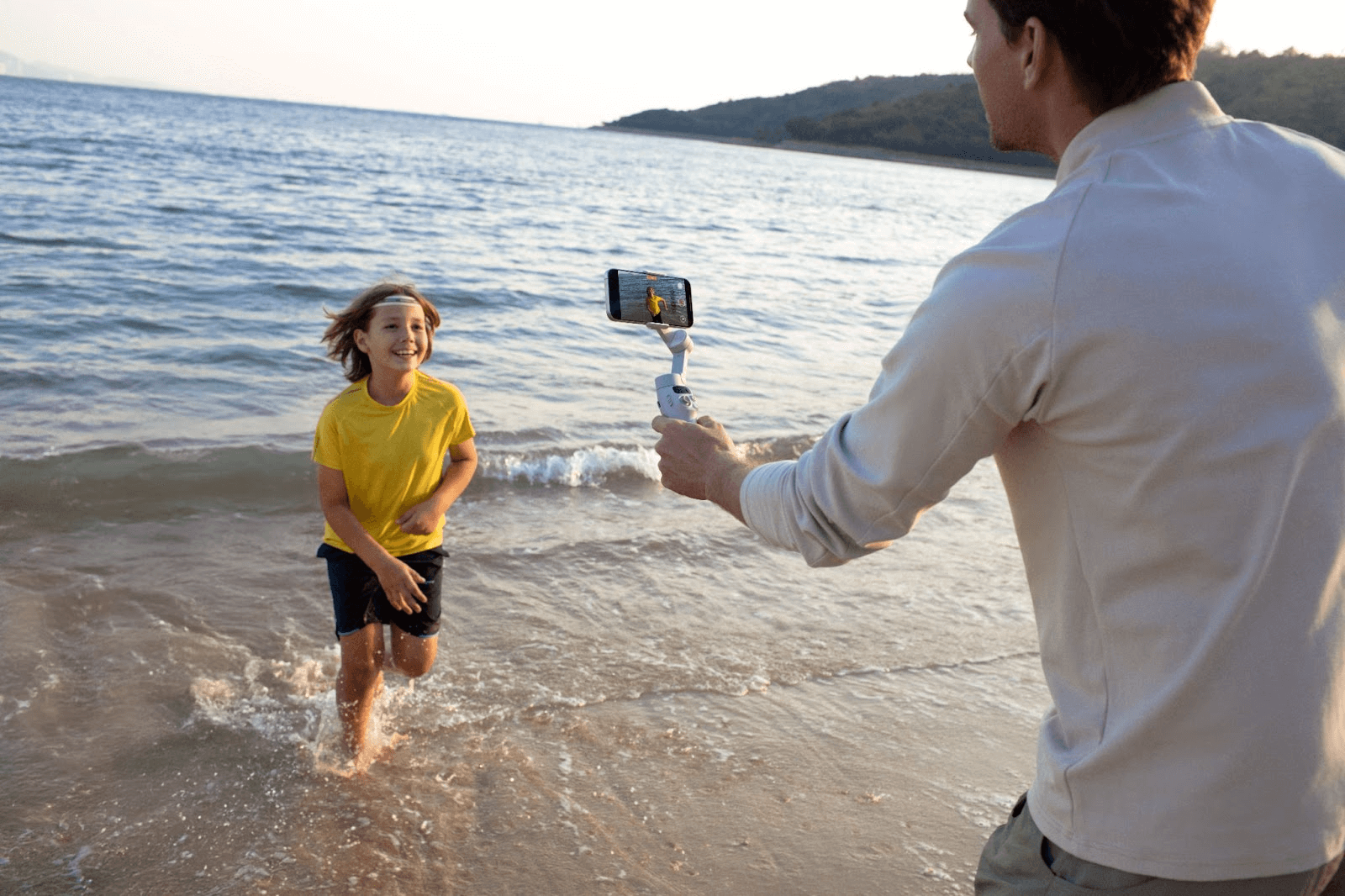
There are several types of gimbals depending on the purpose. It will be easier to choose if you imagine the style of shooting you want to do.
Smartphone Gimbal
This type allows you to simply set your smartphone in.
Many models are lightweight and foldable, making them easy to carry and allowing you to start shooting right away.
-
Recommended usage: Travel vlogs, cafe and daily life posts on social media, live streaming
-
Suitable person:Vlog beginners, people who want to easily record high-quality videos on their smartphones
This is a category that is an easy entry point as a first gimbal.
Camera Gimbal
Designed to hold SLR and mirrorless cameras.
Although it is larger than smartphone gimbals, it offers greater freedom of expression and is suitable for serious photography.
-
Recommended usage: YouTube planning videos, product reviews, interview shooting, short film and music video production
-
Suitable person: People who own mirrorless cameras or SLR cameras and want to focus on quality
It is ideal not only for professionals and semi-professionals, but also for intermediate photographers who want to step up from smartphone photography.
Drone Gimbal
The gimbal installed on the drone absorbs vibrations and the effects of wind during flight, enabling smooth and stable aerial photography even from high in the sky.
-
Recommended usage: Dynamic scenery photography at travel destinations, promotional videos for real estate and architecture, and aerial photography of events and festivals
-
Suitable person:People who want to try aerial photography or who want to create a sense of scale in their video work
By combining both ground and aerial perspectives, the finished video work will instantly approach professional quality.
Gimbal price range and how to choose
Price range guide
The price of a gimbal varies greatly depending on the equipment and functions it can accommodate. While smartphone gimbals can be purchased for around £120 to £150, it is not uncommon for full-fledged camera gimbals and gimbal models for drones to cost over £1000. Below we have organized a rough guide for each price range.
Recommended products by price range
|
Price range |
Features |
Recommended uses |
Representative products |
|
£120-£150 (entry level) |
Lightweight, compact, and simple to operate, it's perfect for first-time gimbals. |
Smartphone vlogging, travel videos, and social media posts |
|
|
£480-£1200 (mid-range) |
The increased weight capacity makes it compatible with SLR and mirrorless cameras, allowing for stable shooting. |
YouTube and commercial content creation |
|
|
£960-£1500 (for professionals) |
High rigidity and precision. Offers the same level of precision used in film and documentaries. |
Professional video production, aerial photography, long-distance shooting |
DJI Air Series |
Checkpoints for selection
Although gimbals may look similar, their specifications and usability vary greatly. We've compiled a list of the main points you should check before purchasing one.
Number of axes (2 axes, 3 axes)
Gimbals come in two main types: 2-axis and 3-axis. For first-time buyers, a 3-axis gimbal is generally recommended to avoid common issues.
-
2-axis gimbal: It has basic stabilization functions to reduce vertical and horizontal shake. It is inexpensive, but it may not be suitable for shooting while walking or when making complex movements.
-
3-axis gimbal: It can correct all shakes across all three axes (pan, tilt, and roll), resulting in smooth footage. It is widely used for filming movies and vlogs, and the current mainstream is the 3-axis type.
Weight capacity (is it for smartphones only or can it also carry a single-lens camera)
The weight of the equipment that can be carried (load capacity) is very important. If you don't check the appropriate load capacity for the equipment you will be using, the gimbal may not function correctly or could lose stability, so choose carefully.
-
Smartphone gimbal: Lightweight and compact. Ideal for iPhone and Android devices. Recommended for social media and travel vlogs.
-
Camera gimbal: It can also accommodate heavy equipment such as SLR and mirrorless cameras. The higher the load-bearing capacity, the larger the size and the higher the price.
Battery life
If you plan to shoot for long periods of time, battery performance is important. It's wise to choose a model based on your expected continuous shooting duration.
-
Smartphone Gimbal: Lasts for around 8 to 12 hours on average, which is sufficient for travel and everyday photography.
-
Camera Gimbal: Some models are capable of long-term shooting of 10 to 15 hours, making them ideal for commercial and event photography.
Foldability and portability
Since gimbals are equipment that you carry around with you, portability is also an important point. If you want to shoot easily on the go, we recommend a foldable model, but if you prioritize stability for professional or extended shooting sessions, we recommend a highly rigid model.
-
Foldable: Easy to store in a backpack or bag, making it convenient for travel and everyday use.
-
Fixed type (non-foldable type): It is not suitable for carrying around, but it is very durable and stable.
Tips for finding the right gimbal for you
You can avoid mistakes by considering the specific equipment you'll be using. For vlogs, a smartphone gimbal is suitable; for more dedicated filming, a camera gimbal is suitable; and for aerial photography of travel, a drone with a gimbal is suitable.
Features of DJI gimbals
DJI, which holds a large share of the global market for video equipment, offers a wide range of gimbals for smartphones, cameras, and even drones. One of their biggest appeals is that they can be used for everything from beginners enjoying everyday filming to professional video production. Here we will introduce some of their most popular products.
Osmo Mobile 8 (smartphone gimbal)
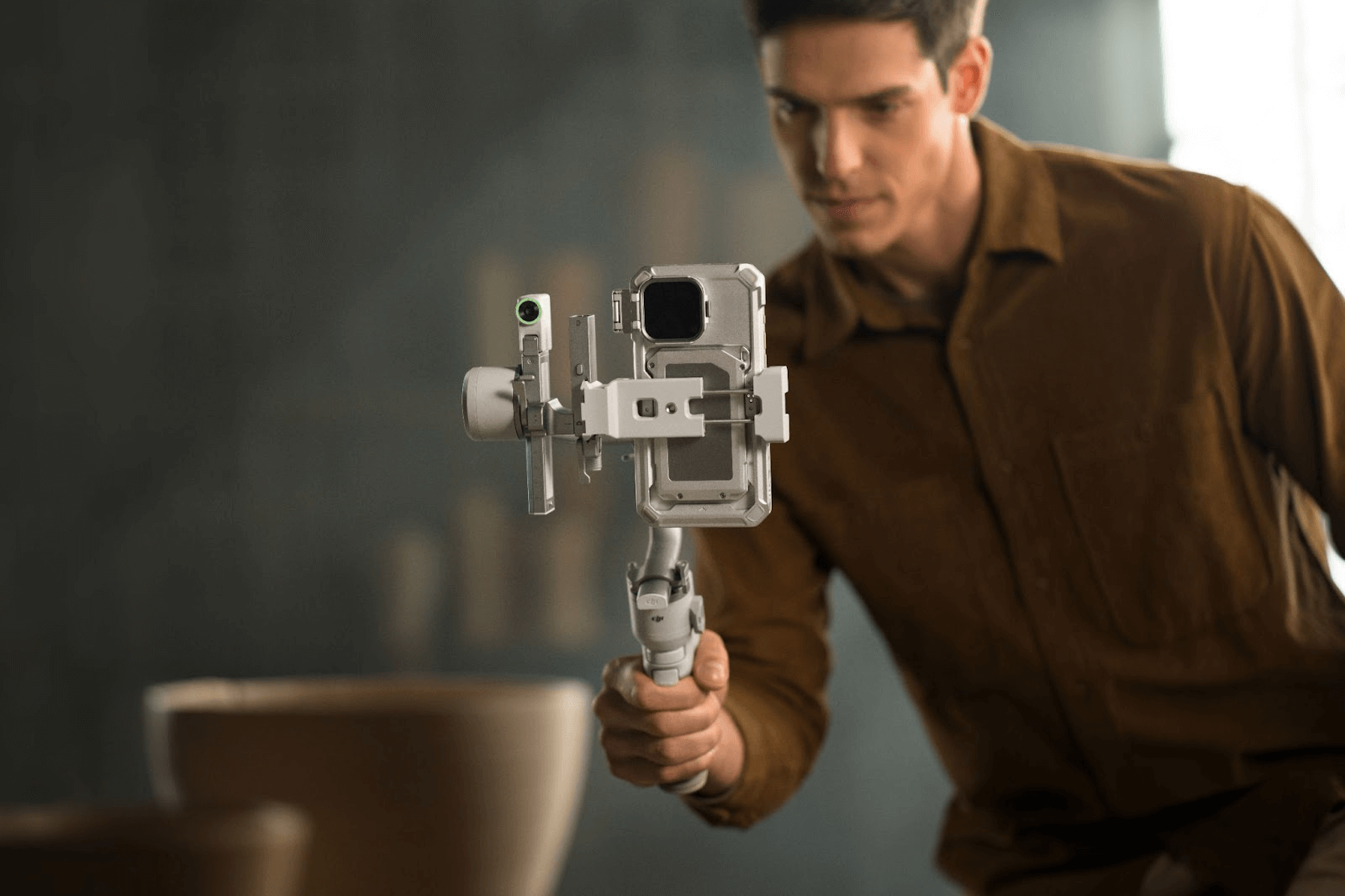
DJI Osmo Mobile 8 is a 3-axis gimbal perfect for those who want to take professional-quality footage with their smartphone.
-
It weighs just 400g, and its foldable design makes it easy to fit in your bag, making it easy to carry around when you're out and about.
-
ActiveTrack 7.0 is equipped with a tracking function that automatically tracks a walking subject, allowing you to capture natural-looking footage with the subject always in the center of the frame, even when shooting alone. It also offers plenty of creative modes available, such as time-lapse and panorama shooting, that are perfect for social media.
-
By linking with the DJI Mimo app, you can complete everything from capturing to editing on your smartphone.
This is especially recommended for those who want to take their travel or daily vlogs and social media posts to the next level.
DJI RS 5 (Professional Stabilizer)
DJI RS 5 is a powerhouse stabilizer designed to lead the scene for professional cinematographers and solo creators.
It boasts a robust load capacity of 3 kg (6.6 lbs), easily accommodating mainstream mirrorless and cinema camera setups like the Sony FX3 or Canon R5 Mark II with standard zoom lenses.
Despite its powerful performance, the body remains manageable at 1.46 kg, and it features the 5th Generation RS Stabilization Algorithm with enhanced motor torque, ensuring silky-smooth footage even during fast-paced running or vehicle tracking shots.
The new Electronic Briefcase Handle allows for intuitive single-handed control, while the 2nd-Gen Automated Axis Locks get you ready to shoot in seconds.
With intelligent features like ActiveTrack, a 1-hour fast charge capability, and native vertical shooting support, this gimbal is the ultimate tool for commercial productions, event videography, and creative filmmaking.
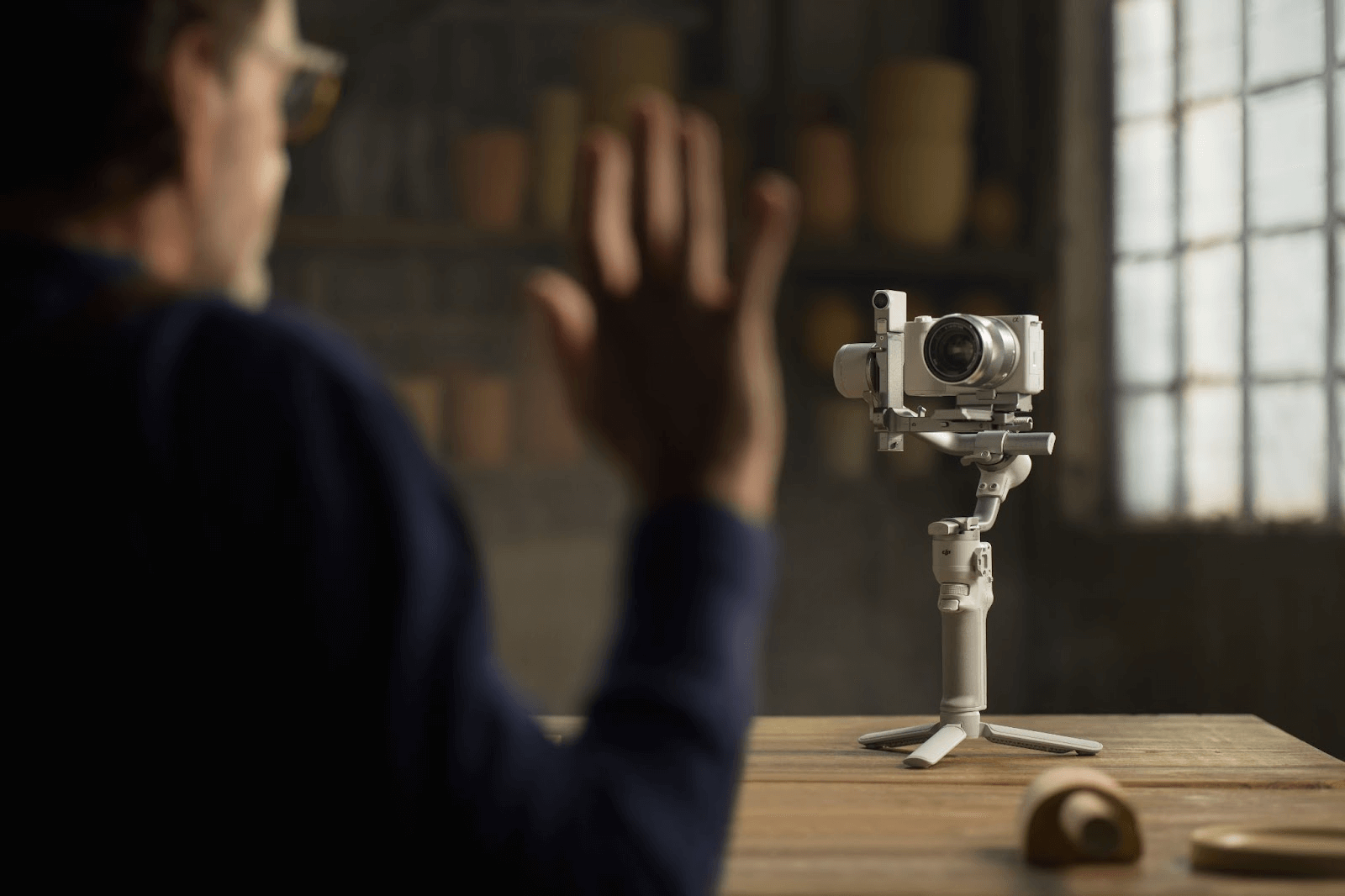
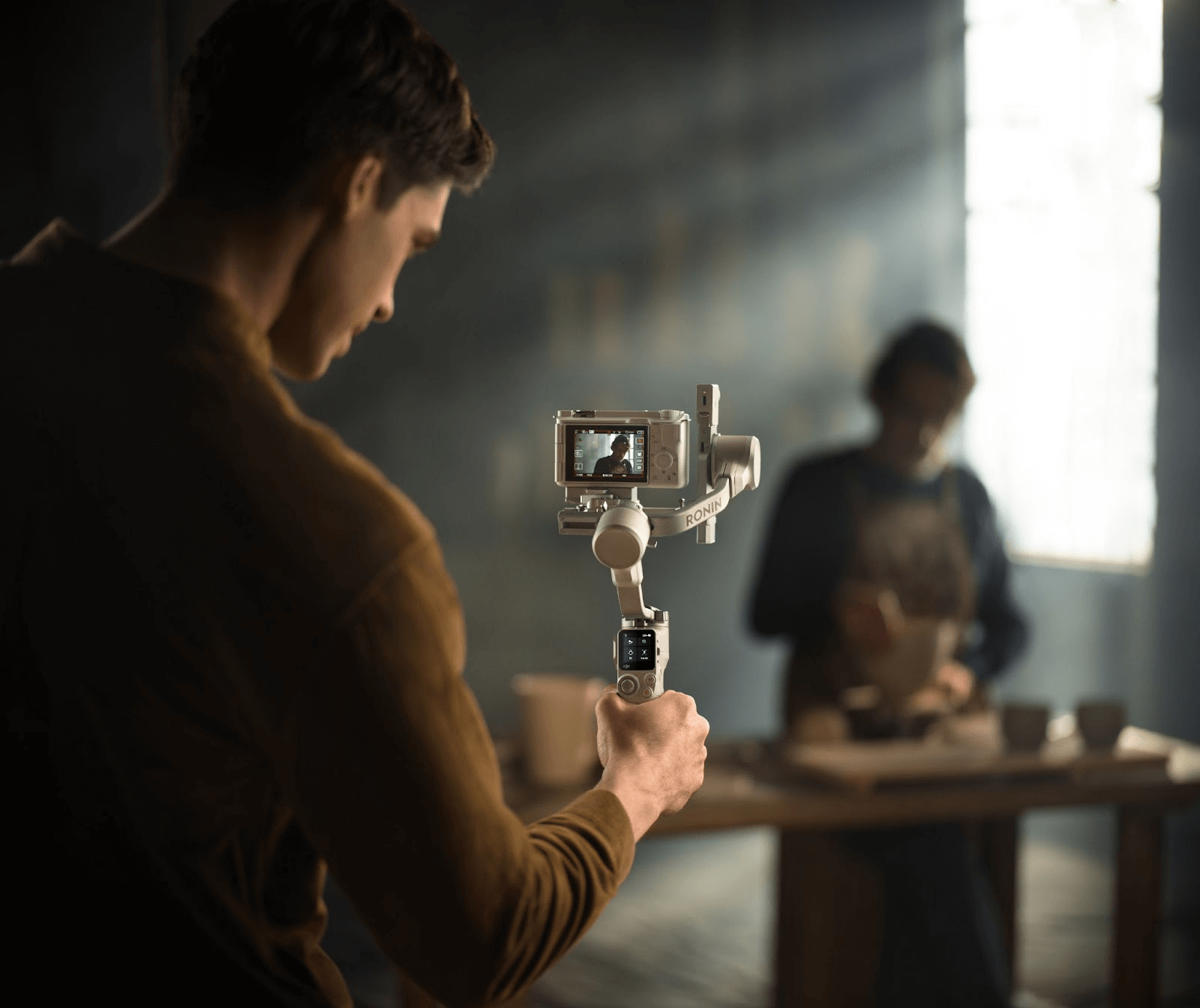
DJI RS 4 Mini (smartphone & camera gimbal)
DJI RS 4 Mini is a compact gimbal for serious users of mirrorless or single-lens cameras.
-
It has a load capacity of approximately 2 kg and can accommodate a combination of a full-frame single-lens reflex camera and a standard zoom lens.
-
Despite its lightweight body weighing just 1.1 kg, it uses DJI's 4th generation RS stabilization algorithm, allowing you to shoot with stability even while walking.
-
The use of a quick release plate makes it easy to attach and detach the camera and change equipment on location.
This gimbal provides comfortable support for long, professional video shoots, such as documentaries, interviews, and commercial video production.
DJI Air series (drones equipped with gimbals)
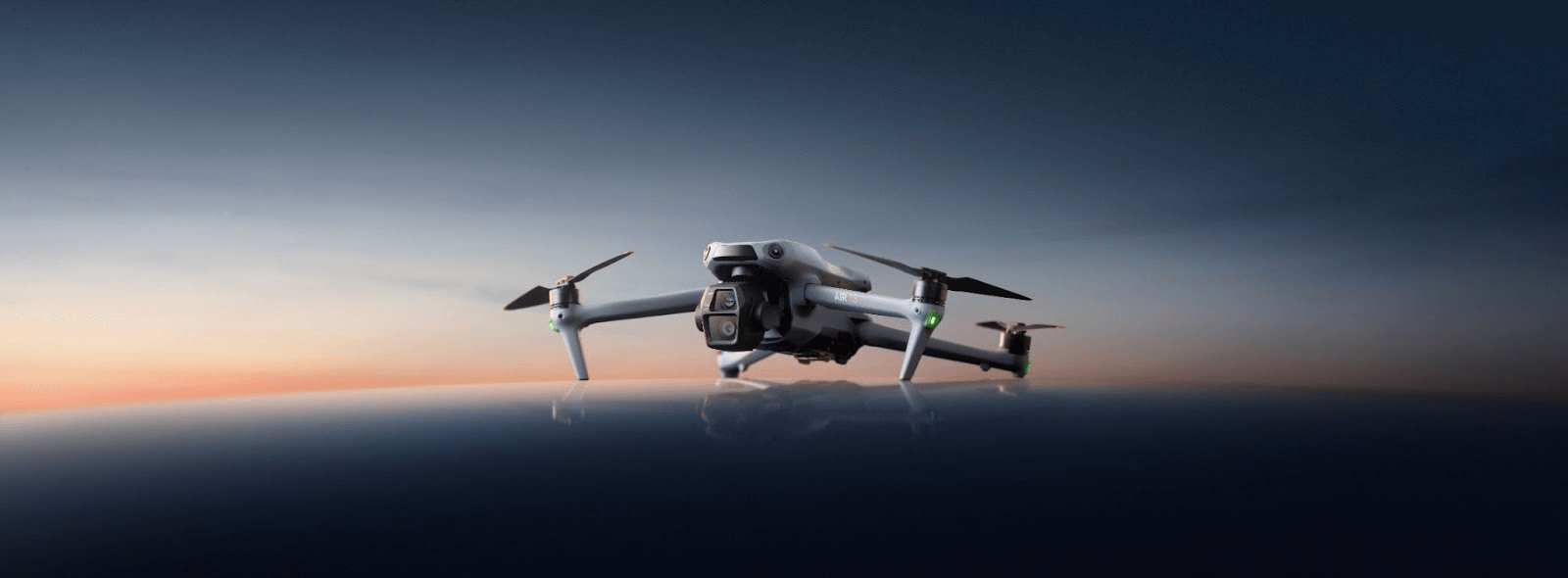
The Air series, including the DJI Air 3S, is a drone equipped with a 3-axis mechanical gimbal.
-
It compensates for wind and aircraft vibrations during flight in real time, allowing you to capture stable 4K/5.4K video.
-
By utilizing automatic shooting functions such as ActiveTrack and Master Shot, even complex camera movements can be achieved automatically.
-
The lineup ranges from lightweight models to professional specifications, making it suitable for a wide range of uses, from travel vlogs to aerial photography.
By applying gimbal technology to aerial photography, it is possible to achieve visual effects that cannot be achieved from the ground.
FAQ
What is a smartphone gimbal?
This gimbal is designed specifically for smartphones, and simply mounting your smartphone on it will reduce camera shake. The Osmo Mobile 7P is likely the easiest for beginners to use.
Which gimbal would you recommend for beginners?
We recommend the Osmo Mobile 7P for its balance of price, ease of use, and portability. It's the perfect first vlogging device.
What is the difference between Osmo Mobile 7P and Osmo Mobile 7?
-
Osmo Mobile 7P: Latest generation with superior features. Enhanced tracking performance and shooting modes, optimized for next-level creators.
-
Osmo Mobile 7: A previous generation with sufficient features for beginners. Basic functions are sufficient, but tracking and stabilization accuracy is inferior to the 7P.
Summary: Understanding Gimbals to Improve Your Filming
A gimbal is not just an accessory, but an essential tool that can dramatically change the quality of your footage. It can reduce shake even when shooting handheld, producing smooth, cinematic footage, so even beginners can easily achieve professional-quality results.
DJI gimbals, in particular, have an appealingly wide lineup to suit various applications and equipment. The Osmo Mobile 8 is ideal for those who want to easily shoot vlogs and social media videos with a smartphone, the RS 4 Mini is ideal for those aiming for professional photography with a single-lens camera or mirrorless camera, and the Air series is ideal for those who want to shoot aerial footage.
Choosing a gimbal that suits your shooting style and the equipment you use will dramatically expand the scope of your video expression. Even beginners can operate it intuitively, allowing you to experience the joy of filming more deeply. First, get the gimbal that's right for you, and then use your camera or smartphone to capture smooth, impressive footage like a pro.